AI Tools for YouTube Creators
One chat for the whole package: develop the video idea, write the title and script, and generate the thumbnail so every piece makes the same promise. Plus image, video, and character studios when you need them.
AI Thumbnail Generator That Pairs the Image With Your Title
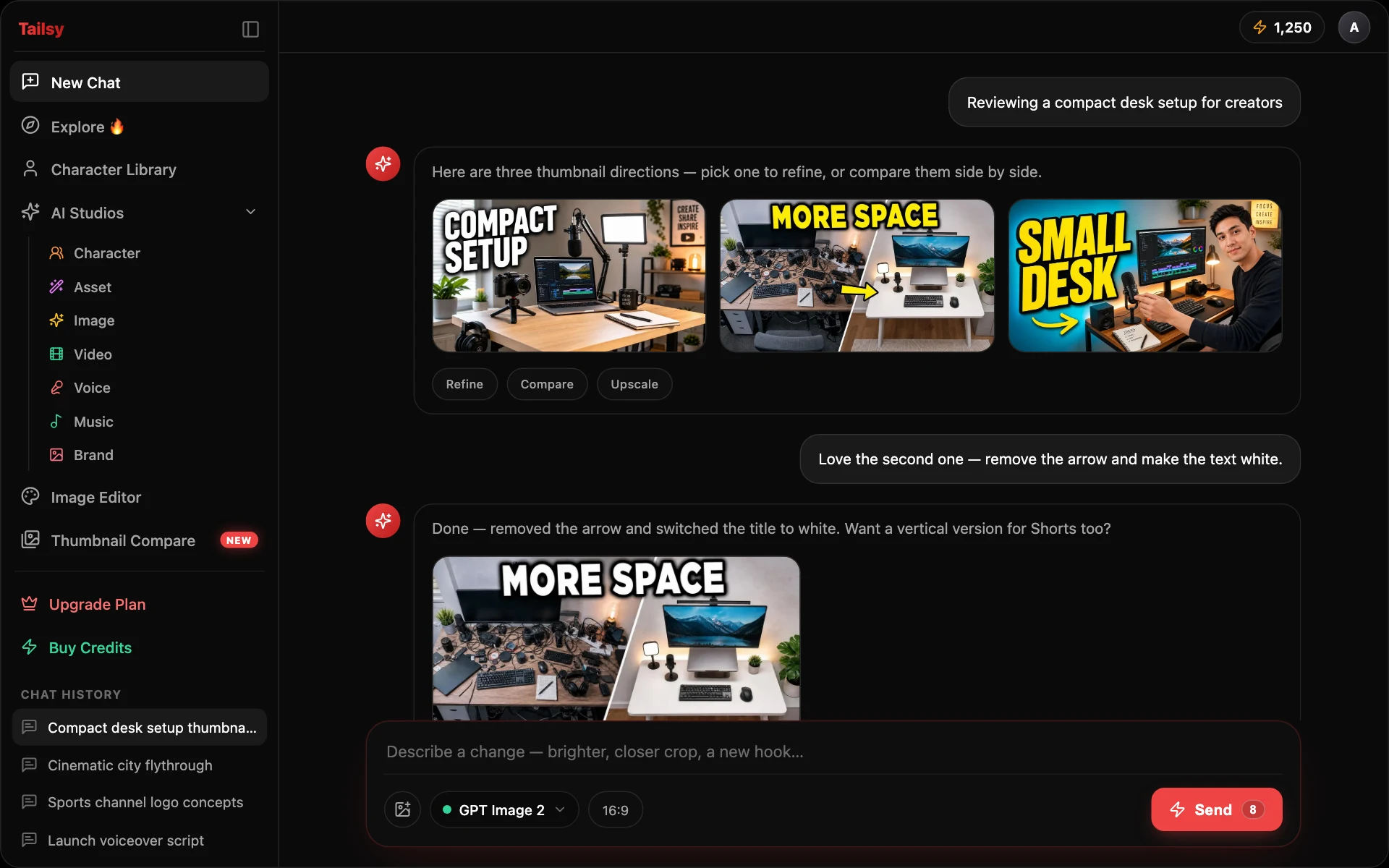
Tailsy is an AI YouTube thumbnail maker built around one chat. Describe your video and it designs thumbnail concepts that work with your title, writes hook text only when it helps, and keeps refining the image as you ask for changes. Add your own face, references, and a style without leaving the conversation.
AI YouTube Title Generator That Doesn't Overpromise
Tailsy writes YouTube titles the way a sharp editor would: it finds what is genuinely interesting about your video, makes a specific promise the video can keep, and gives you options that take different angles instead of ten synonyms. When you have a winner, the same chat designs the thumbnail around it.
AI YouTube Script Generator for Scripts That Fit the Runtime
Tailsy writes YouTube scripts you can actually record: full scripts sized to the runtime you ask for, hooks that deliver something early, and the right format for the job, whether that is a voiceover, a shot-by-shot plan, or an outline. It sticks to your facts and hands you a clean document to copy.
YouTube Video Ideas Generator That Develops Ideas You Can Film
A list of topics is not a video idea. Tailsy develops ideas the way a producer would: what happens in the video, what the viewer gets, why it is worth watching, and whether you can actually make it with your time and resources. Then it carries the idea you pick into a title, script, and thumbnail in the same chat.
AI Image Studio: Generate and Edit Images for Your Channel
Image Studio is the hands-on side of Tailsy: pick a model, set the size, add references, and generate or edit one image at a time. It sits next to the chat, so the backgrounds, props, cutouts, and fixes you make here feed straight into your thumbnails and videos.
AI Video Studio: Short AI Clips for YouTube Creators
Video Studio turns a prompt, a start frame, or a set of references into short AI video clips, and handles the jobs around them: extending or editing clips on supported models, isolating subjects, upscaling, and syncing lips to audio. Pair it with the Tailsy chat, which writes the script and shot list the clips are meant to serve.
AI Character Studio: Put Your Face in Every Thumbnail
Character Studio is where you build the people who appear in your thumbnails: you, a co-host who agreed to it, or an invented persona for a faceless channel. Create a character once, save it to your library, and select it in chat or in the studios so the same face shows up video after video.
AI Thumbnail Editor: Fix and Finish Thumbnails Fast
A generated thumbnail is often close but not finished. Tailsy gives you three ways to fix the last part: plain-language edits in chat, precise AI tools in Image Studio, and a layer-based canvas editor with AI selection for manual finishing.