Reusable thumbnail parts
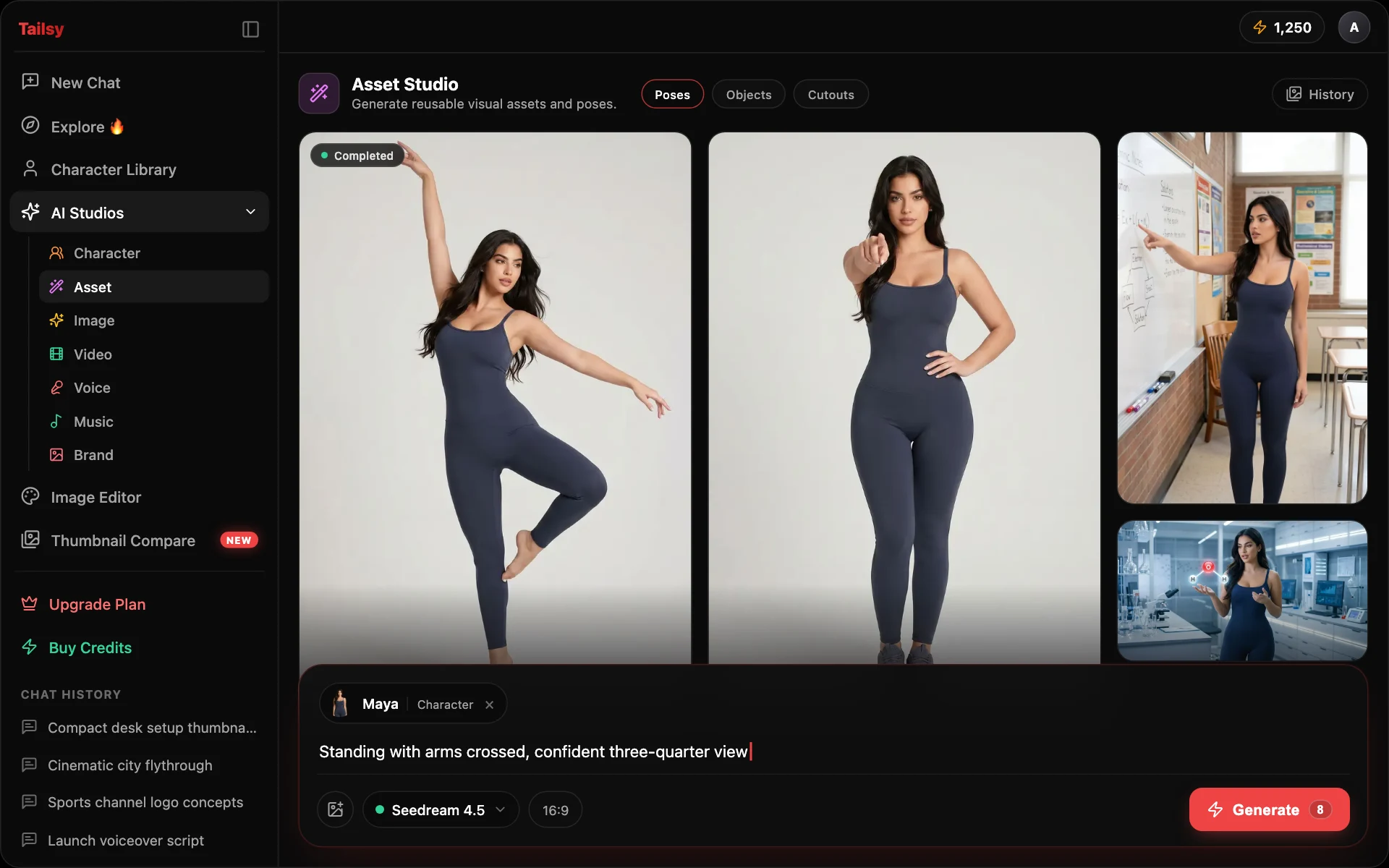
Asset Studio is for the visual pieces that come up again and again: products, props, stickers, cutouts, poses, and foreground objects. Build the asset once, then reuse it in image and thumbnail work.
- Reusable props and products
- Pose generation
- Transparent or isolated assets
- Campaign-level visual consistency
Product interface preview
Supported workflows and model families
Tailsy keeps model selection inside the studio workflow, so creators can choose the right mode without rebuilding the page around a single provider.
- Reusable object and prop generation
- Pose and foreground asset workflows
- Background removal and segmentation support
- Image Studio generation and edit models
Frequently asked questions
How is Asset Studio different from Image Studio?
Image Studio focuses on finished images and edits. Asset Studio focuses on reusable pieces that can be combined later.
Can it create thumbnail elements?
Yes. It is designed for reusable creator and thumbnail assets.